

Record in-person meetings on your phone
Noter AI records an in-person meeting on your phone with one tap, then gives you a transcript, a summary and action items. The recording keeps going when the screen is locked, and one recording can run for up to three hours. The phone on the table is all the equipment you need.
Updated October 2026
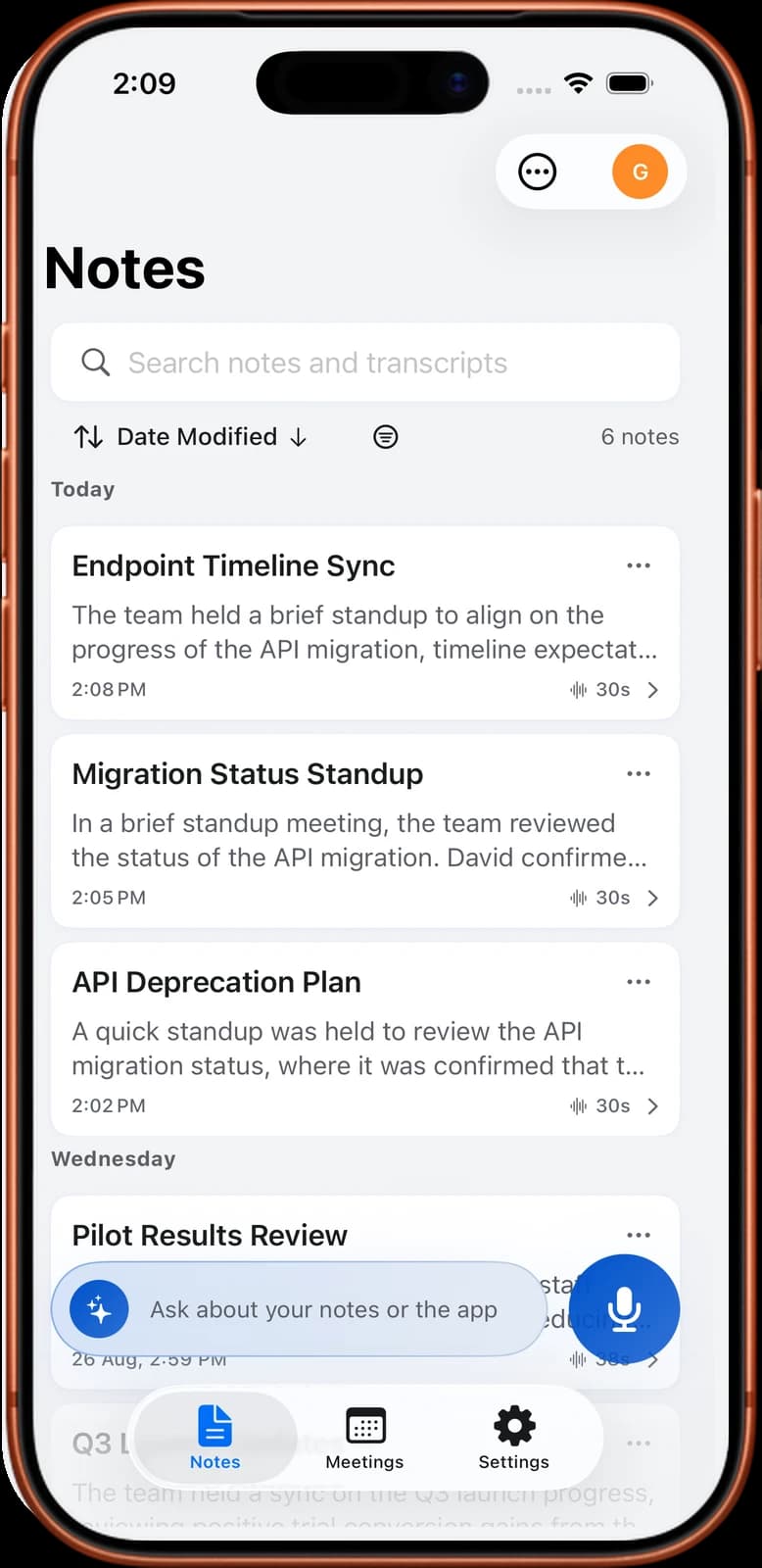
From a room to a note
How it works
- 1Tell the room you are recording. Do this before you start.
- 2Tap record. One tap in the app starts the recording. You do not choose a language.
- 3Put the phone down and lock it. Recording continues with the screen locked and while the app is in the background.
- 4Tap stop when the meeting ends. A 1-hour recording takes about 2 minutes to process.
- 5Open the note. The transcript, the summary and the action items are there.
Noter AI records, transcribes and summarizes your meetings on iPhone, iPad & Android, in 60+ languages.
What you get
- A transcript with speaker labels. Each line has a timestamp. Tap a line to play the audio from that moment.
- Speakers you can rename. Change a generic label to the person's real name.
- A summary, a detailed analysis and action items. Action items come with the person they belong to.
- 60+ languages, detected automatically. This includes meetings where people switch between two languages.
- Six output styles. Minutes of meeting, key bullet points, email, to-do list, formal report, or your own instruction.
- Up to three hours per recording. That covers most workshops and long reviews in one file.
Sample output
This is an invented example of the action items from a 20-minute Q4 launch meeting, recorded on a phone in a meeting room.
| Action item | Assigned to | Due |
|---|---|---|
| Send the final price list to the two retail partners | Sara | Thursday |
| Book the venue for the launch event | Omar | End of this week |
| Check with legal whether the warranty text can change | Lina | Before the next meeting |
| Share the updated timeline with the whole team | Sara | Today |
- Summary line from the same example: The team agreed to keep the launch in the third week of November and to drop the second venue.
- Transcript line from the same example: 12:04, Omar: I can book the venue this week if we confirm the number of guests today.
Where to put the phone
Placement changes the transcript more than anything else you can control. The aim is simple: every voice should reach the phone at a similar volume.
- Middle of the table. Put the phone at a similar distance from everyone. Avoid leaving it in front of one person.
- Flat on the table, out of its pocket or bag. A phone in a pocket records cloth noise.
- Away from noise. Keep it clear of a laptop fan, a projector, an air conditioner or a rattling cup.
- On something soft if the table is hard. A notebook under the phone cuts the thump when someone puts a glass down.
- Closer to the quiet speaker. If one person talks softly, move the phone toward them.
- Long table, large group. People at the far end will be faint. Ask them to speak up, or move the phone during the meeting.
Importing audio you already have
You do not have to record inside Noter AI. If the audio already exists, bring it in and get the same transcript and summary.
There are two ways. You can import an audio file, such as M4A, MP3 or WAV. Or you can share audio in from another app through the share sheet.
- Voice Memos. Share the memo to Noter AI. How to transcribe a voice memo on iPhone has the steps.
- WhatsApp voice notes. Share the voice note in the same way. See how to transcribe a WhatsApp voice note.
- Files on your phone. Import M4A, MP3, WAV and other audio files from the Files app. See how to transcribe an M4A file.
Phone calls on speaker
iOS does not give any app access to the audio of a phone call. So Noter AI cannot record the call line on an iPhone.
The working method is to put the call on speaker and record the room. Sit somewhere quiet, turn the speaker volume up, and tell the other person you are recording. The result is good enough for the summary and the action items.
The full walkthrough is in how to record a phone call on iPhone.
Telling people you are recording
You are responsible for telling people that they are being recorded. The law is different from one country to the next, and some places require every person in the room to agree.
Say it out loud at the start, and wait for the answer. A short sentence is enough: I would like to record this so the notes are accurate, is that fine with everyone? If someone says no, do not record.
Check the rule for your country in the meeting recording laws by country guide before an important meeting.
Limits and honest notes
- Three hours per recording. For a longer session, stop and start a new recording.
- Audio only. It does not import video files, YouTube links or PDFs.
- No call line recording on iPhone. Speaker plus the microphone is the only route.
- Phone and tablet only. There is no web app and no desktop app.
- A noisy room hurts the result. One phone microphone cannot fix a loud café. When people talk over each other, speaker labels are more likely to be wrong.
Frequently asked questions
Does the recording stop when my phone locks?
No. Recording continues with the screen locked and when you switch to another app.
How long can one in-person recording be?
Up to three hours. If your meeting runs longer, stop the recording and start a second one.
Do I need the meeting bot for a meeting in a room?
No. The bot is for video calls on Zoom, Microsoft Teams, Google Meet and Webex. For a meeting in a room, you record with the phone microphone.
Can I transcribe a recording I made in another app?
Yes, if it is audio. Import the file, or share it to Noter AI through the share sheet. M4A, MP3, WAV and other audio formats work. Video files do not.
Can Noter AI record a normal phone call?
It cannot record the call line on an iPhone, because iOS does not give apps that access. Put the call on speaker and record the sound in the room instead.
Do I have to pick the language before I record?
No. The language is detected automatically across 60+ languages, and a meeting that mixes two languages is handled too.
Does it work on Android as well as iPhone?
Yes. Noter AI is an app for iPhone, iPad and Android. Get it from the download page.
Is it legal to record a meeting on my phone?
It depends on where you are. Some places need one person's consent and others need everyone's. Telling everyone before you start is the safe habit. See do you have to tell people you are recording.
Let Noter AI take your meeting notes
Record, transcribe, and summarize meetings on iPhone, iPad & Android, or send a bot to Zoom, Teams, Meet, or Webex. In 60+ languages.

On your computer? Scan with your phone to get the app.
