

Web app
Noter AI in your browser
Noter AI has a web app at app.noterai.net. Sign in with the account you use on your phone and read your notes on a computer.
You can also record, upload audio files and ask questions about your notes in the browser. There is nothing to install.
By Yousef Zuriqi Last reviewed
How the web app looks
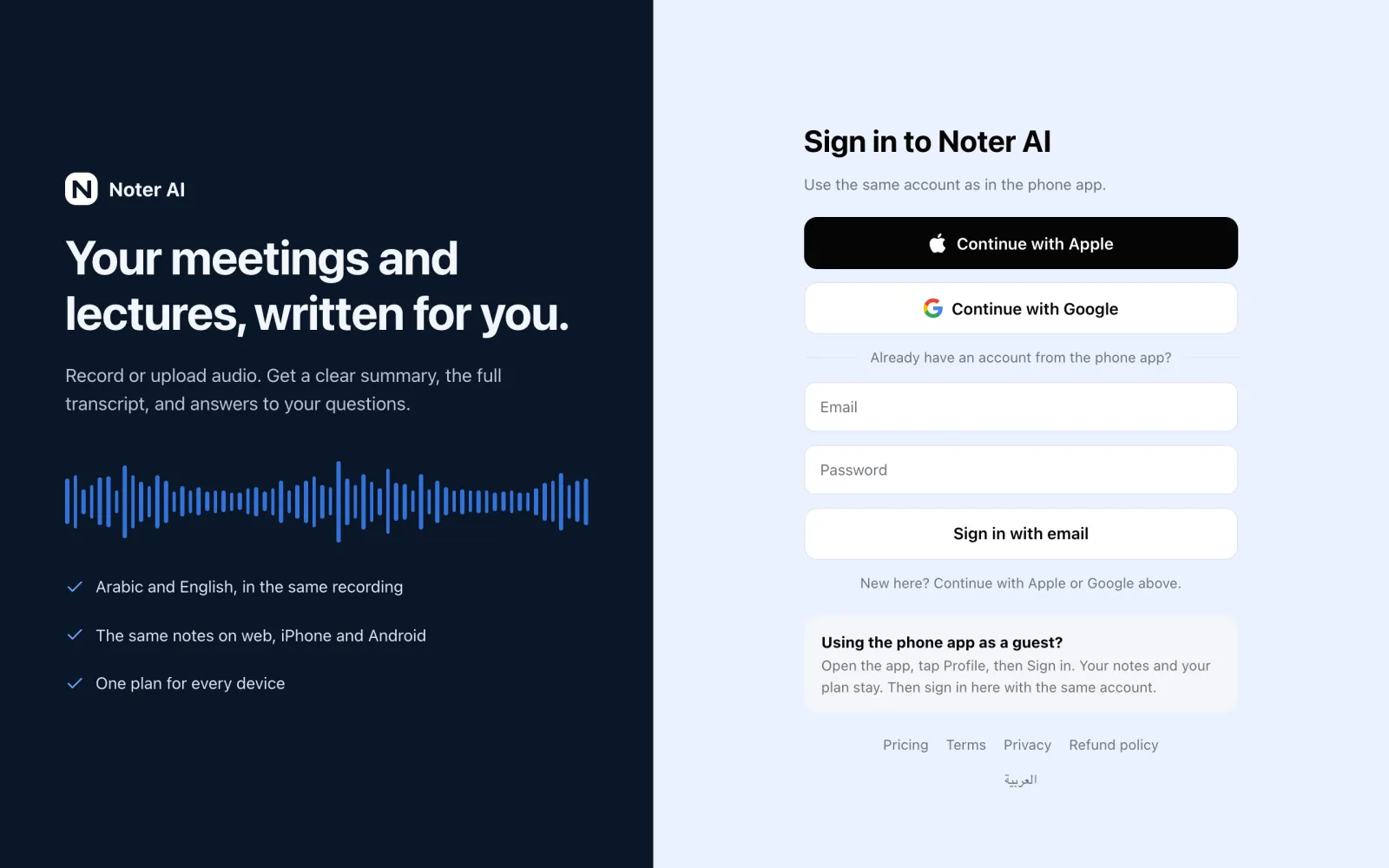
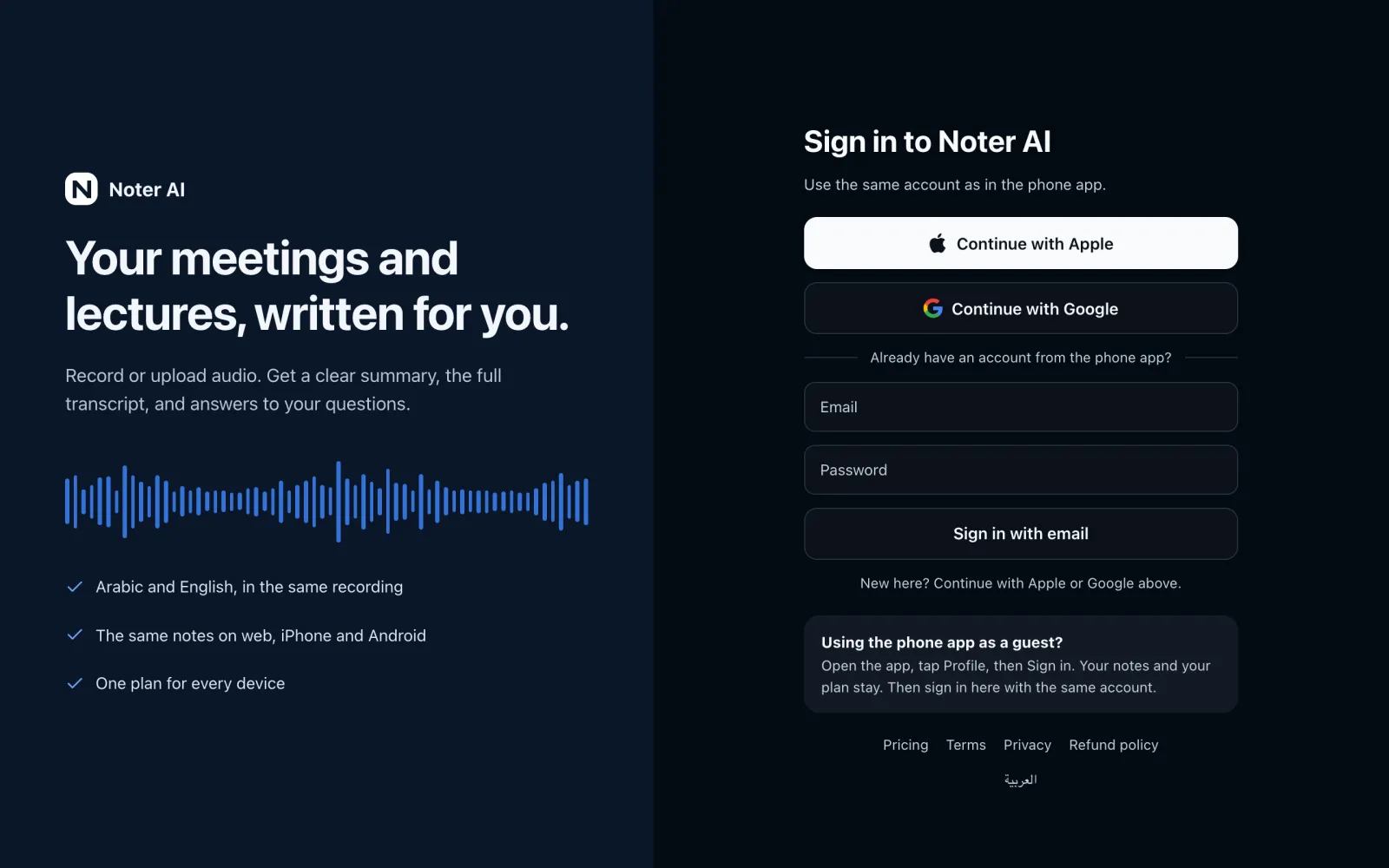
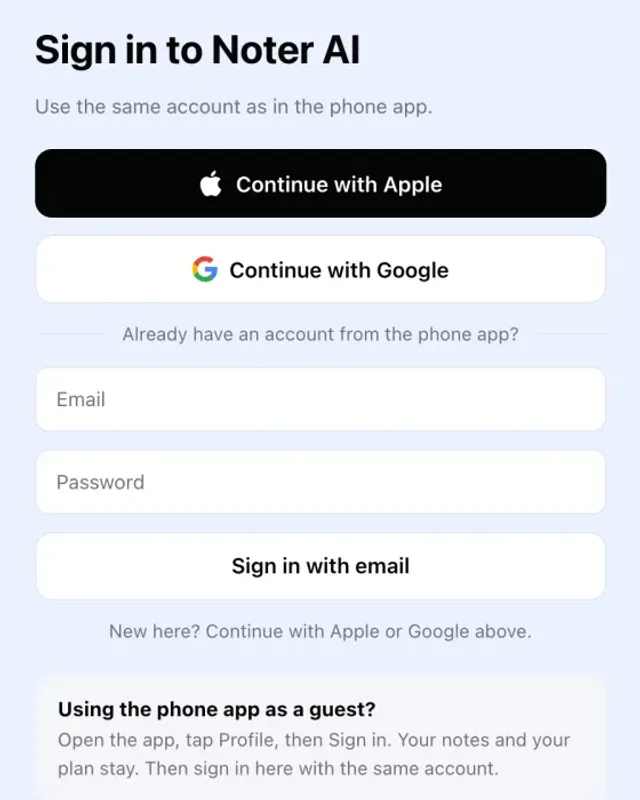
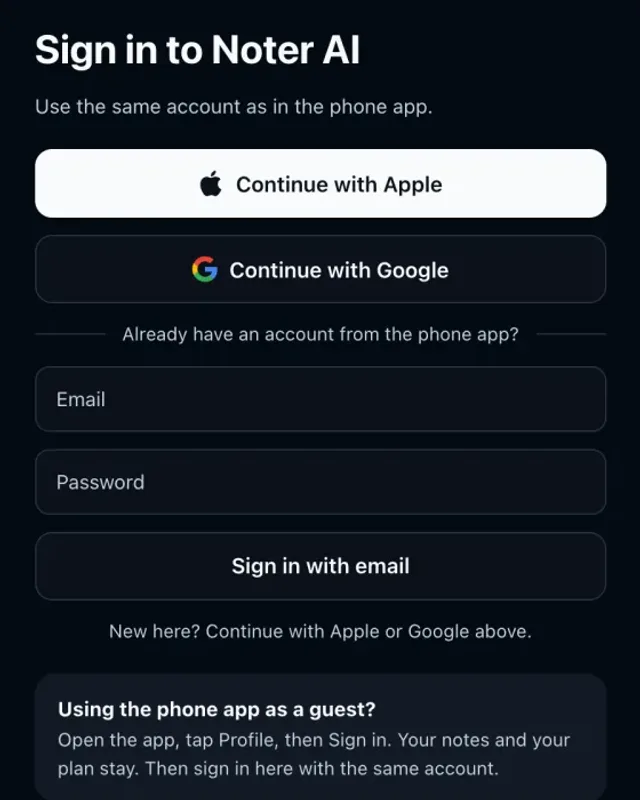
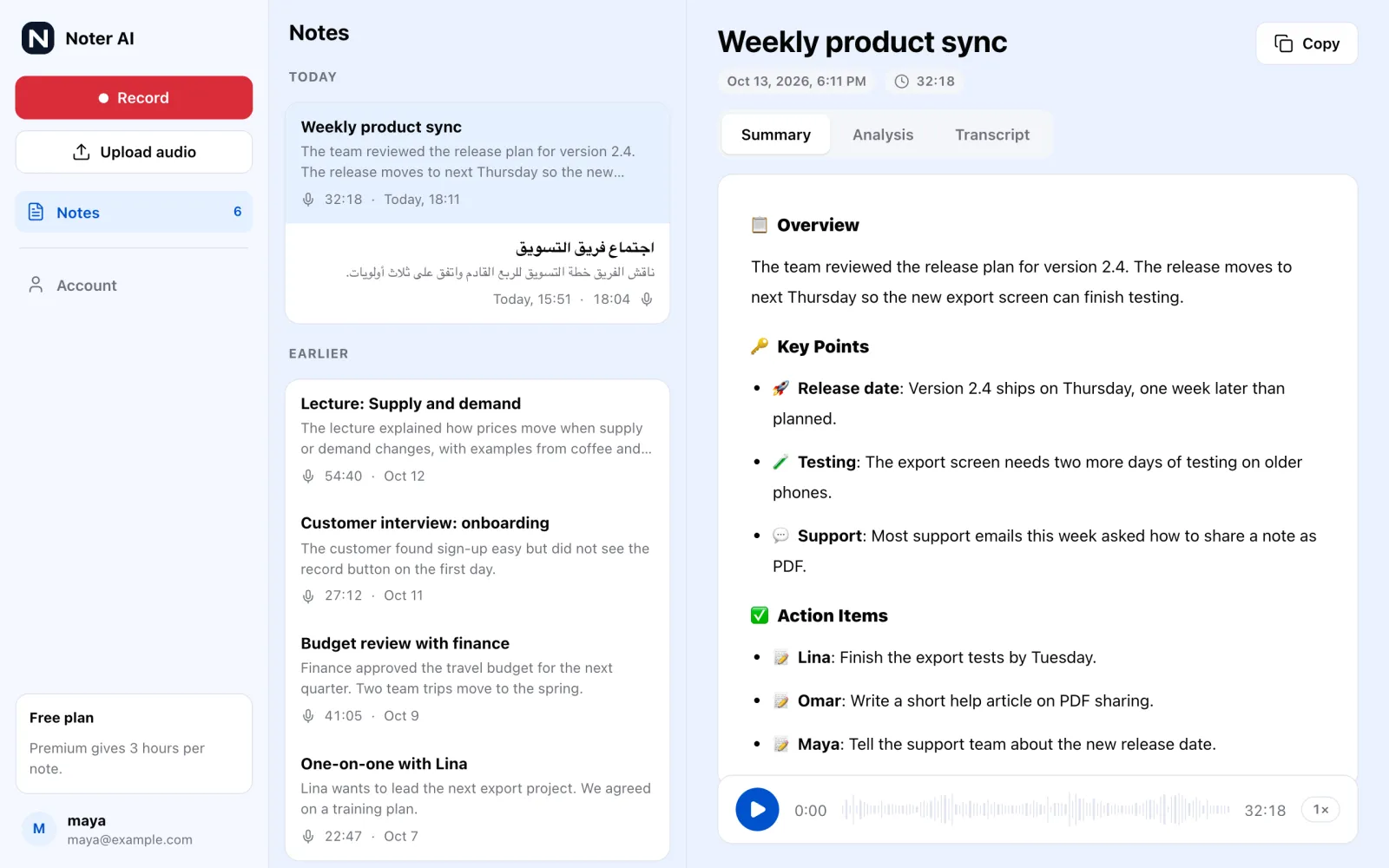
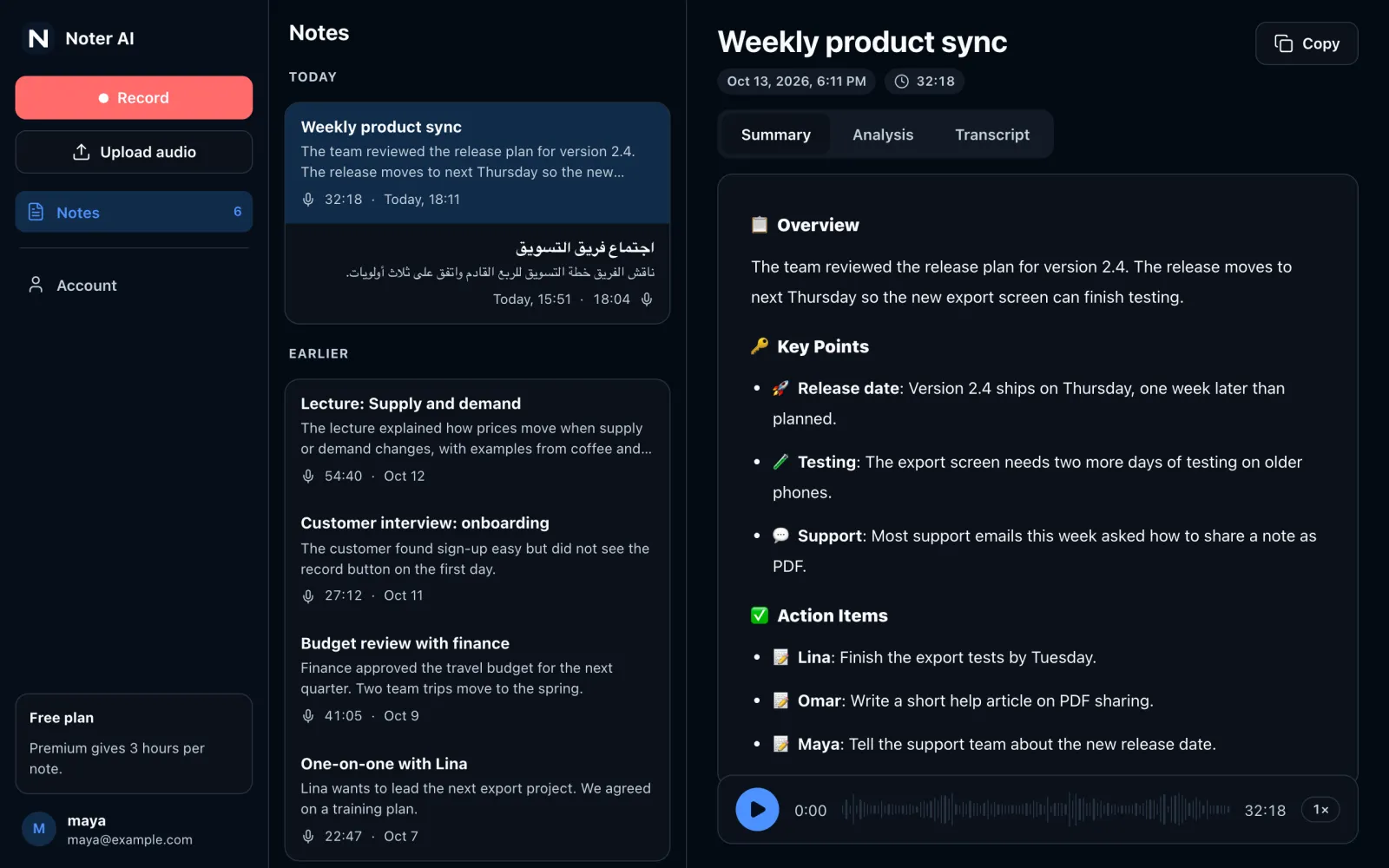
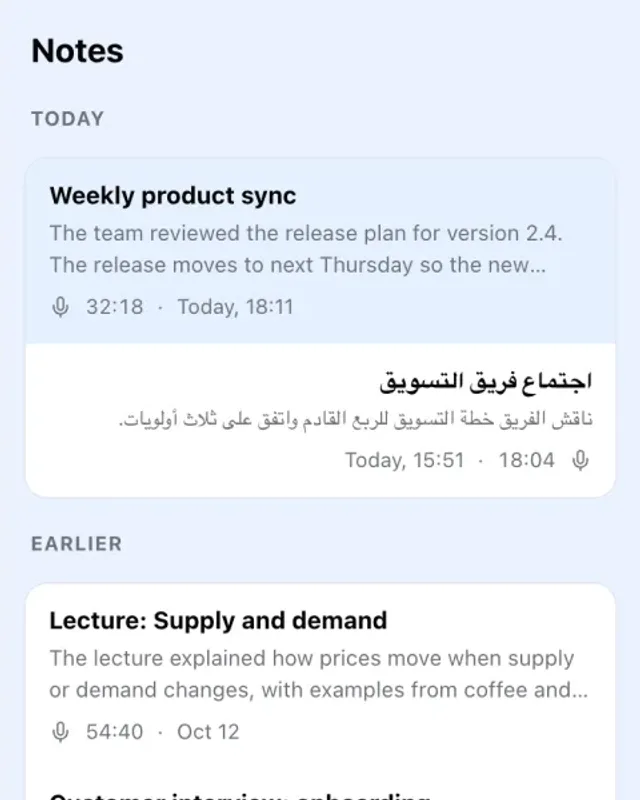
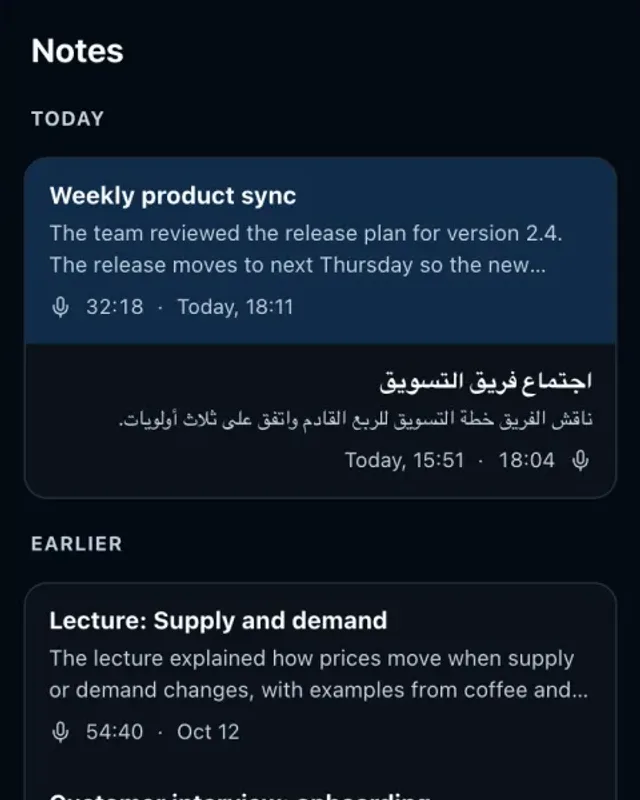
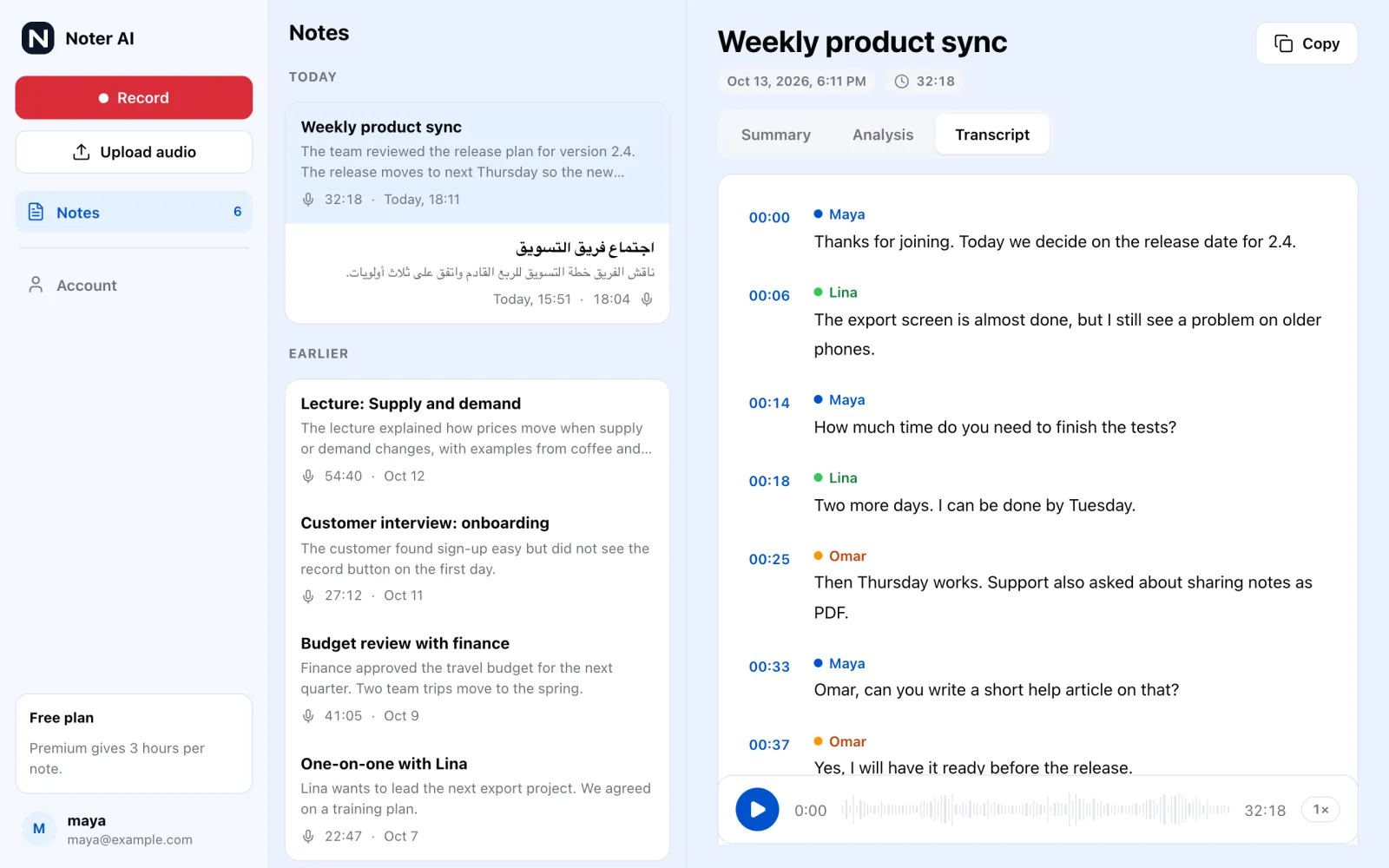
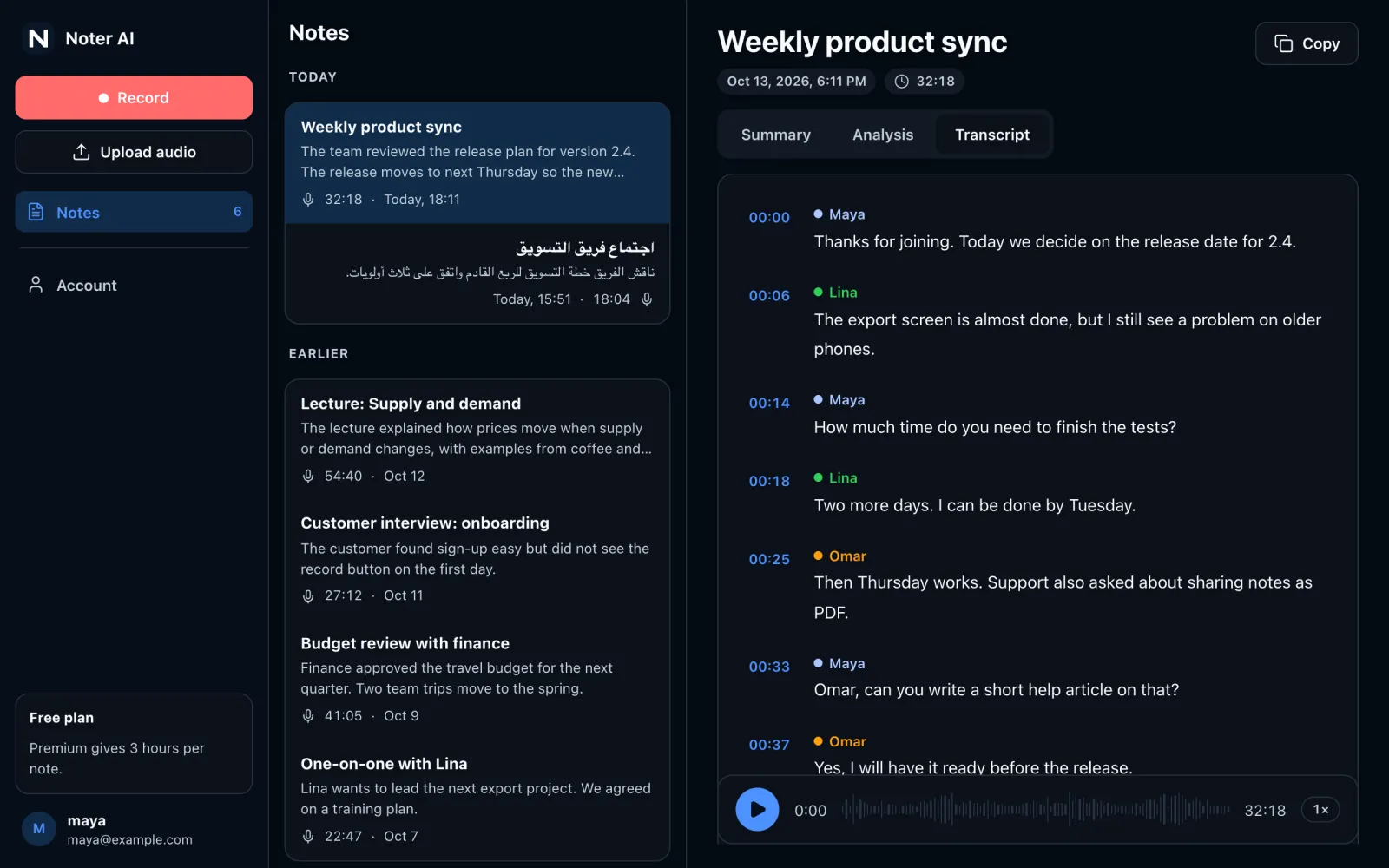
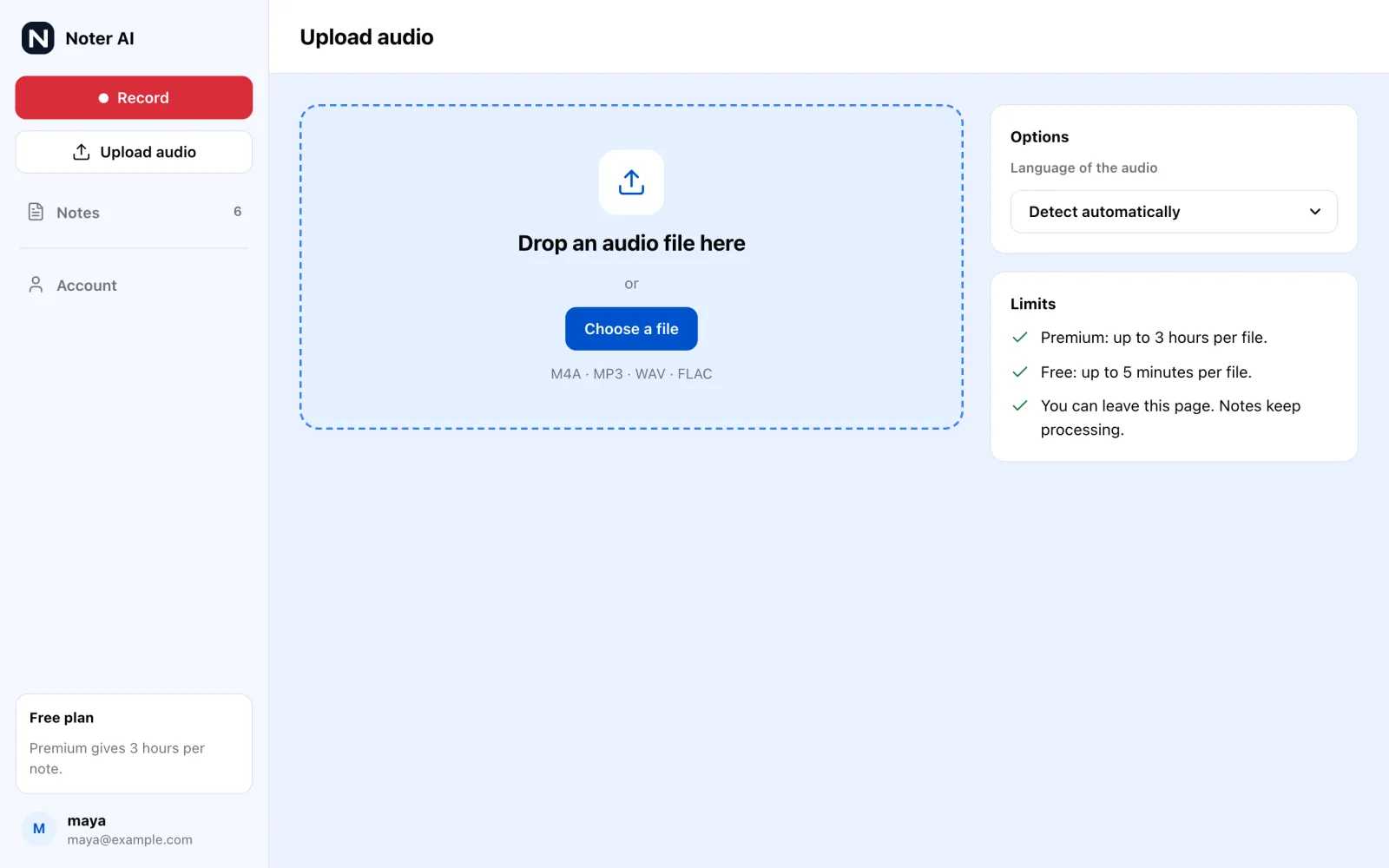
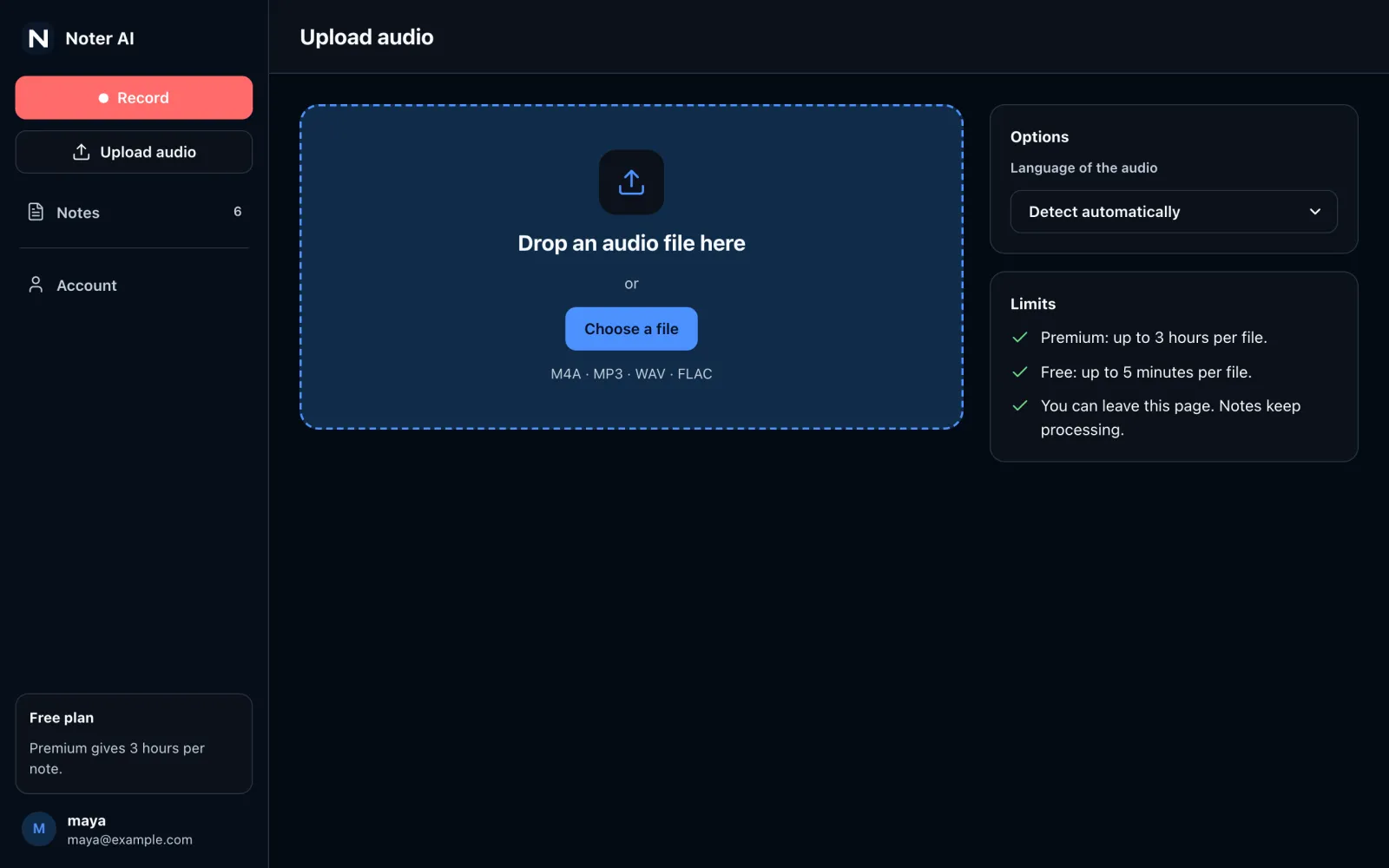
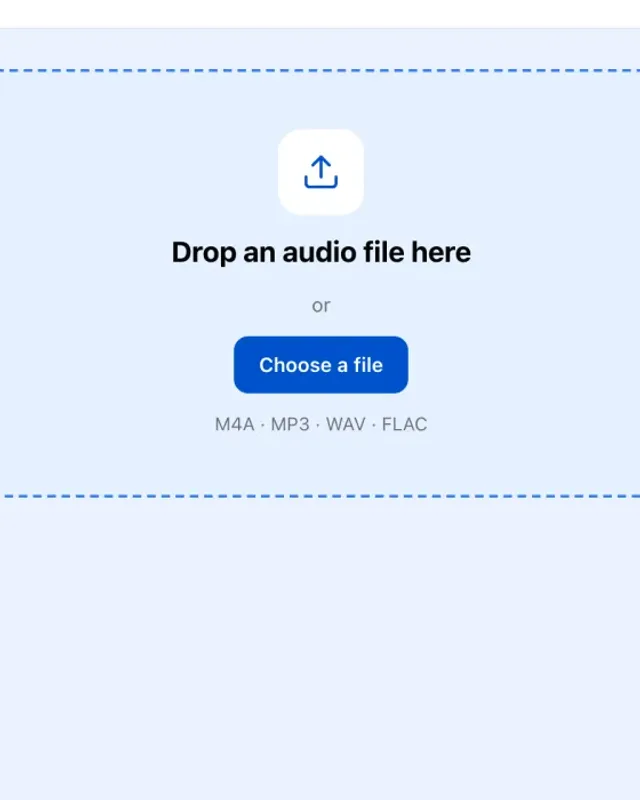
Step 1 of 4: Sign in
What you can do on the web
- Sign in with your phone accountUse the same Apple, Google or email sign-in you use in the iPhone or Android app. New accounts start with Apple or Google.
- See all your notesNotes you record on your phone, and notes from the meeting bot, are in the list on the web too.
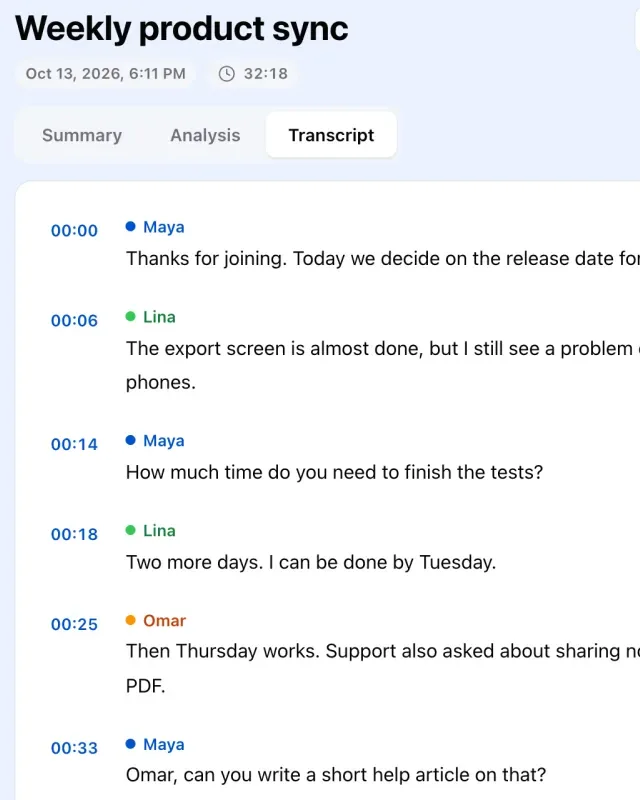
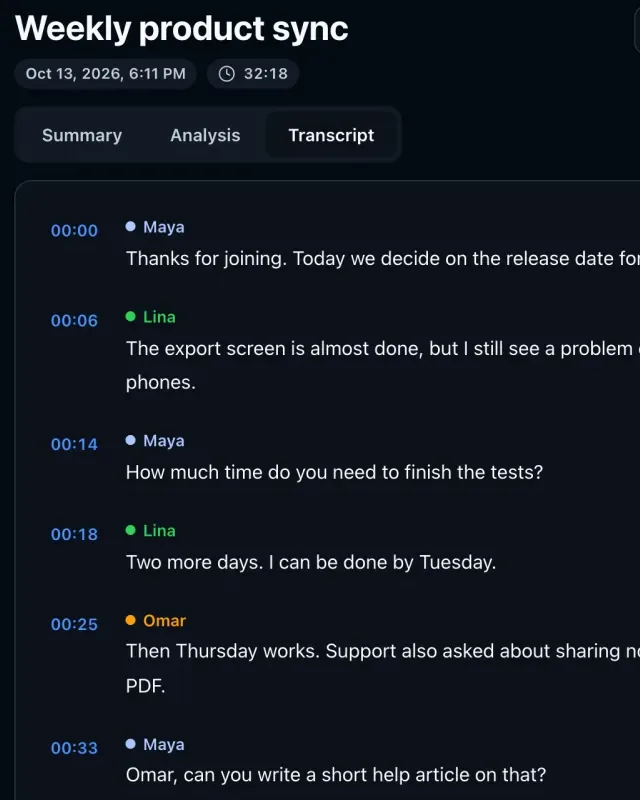
- Read the summary, analysis and transcriptEach note has the same three parts as in the app. The transcript shows who spoke and when.
- Record in the browserRecord a meeting or a lecture with your computer microphone. Keep the tab open while it records.
- Upload an audio fileDrop in an M4A, MP3, WAV or FLAC file. The language is detected for you, in 60+ languages.
- Ask your notesType a question and get an answer from one note or from all of them.
- Buy Premium on the webPay $11.99 a month or $89.99 a year in the browser. The plan also works in the phone apps.
One account on every device
The web app and the phone apps read from the same account. A note you make in one place shows up in the others.
- Step 1:RecordOn your phone, with the meeting bot, or in the browser.
- Step 2:Your accountThe note is saved to your account in the cloud.
- Step 3:Read anywhereOpen it on the web, iPhone, iPad or Android.
Plans on the web
You can start with a free web account and move to Premium when you need longer notes.
Free web account
- 3 new notes a day
- Up to 5 minutes for each note
- For accounts that sign in with Google or Apple
Premium
- $11.99 a month or $89.99 a year
- Up to 3 hours for each note
- No weekly plan and no free trial on the web
- Works on the web and in the iPhone and Android apps
Prices are in US dollars. Web payments go through our payment provider. Plans bought in the App Store or on Google Play are billed by Apple or Google. See the pricing page for the app plans and the refund policy for refunds.
Privacy and storage
The web app uses the same storage as the phone apps. Your audio and notes are encrypted in transit and at rest. We do not use your audio or notes to train AI models. Our main speech-to-text and AI providers do not train on them either. The security page lists the services we use and what each one does.
Questions about the web app
Is it the same account as the phone app?
Yes. Sign in with the same Apple, Google or email account you use in the iPhone, iPad or Android app. Your notes are the same on every device.
I use the phone app as a guest. How do I sign in on the web?
Open the app, tap Profile, then Sign in. Your notes and your plan stay. Then sign in on the web with the same account.
Do I pay again to use the web app?
No. One Premium plan works on the web and in the phone apps. If you already pay in the iPhone or Android app, sign in on the web with the same account.
Can I record or upload audio on the web?
Yes. Record with your computer microphone, or upload an M4A, MP3, WAV or FLAC file. A free web account can make 3 notes a day of up to 5 minutes each. Premium allows up to 3 hours for each note.
Is there a Mac or Windows app?
No. There is no desktop app to install. On a computer, use the web app in your browser.
More answers are on the help page.
Open your notes on a computer
Sign in at app.noterai.net with your phone account. To record on the go, get the app.