

How to write a meeting agenda
A meeting agenda is a short plan you send before the meeting. It says why the group is meeting, what it will talk about, who leads each part, and how long each part takes. A good agenda makes the meeting shorter and gives the note-taker a ready structure for the notes. This guide shows how to write one, how long it should be, and how to turn it into notes afterwards.
By Yousef Updated
Start with one sentence that says the goal of the meeting. Write each topic as a question to answer or a decision to make, and give it an owner and a number of minutes. Add links to anything people must read first. Send it at least a day before, keep it to one screen, and save the last few minutes for decisions and actions. After the meeting, use the same topics as the headings of your notes.
How to write it, step by step
These steps work for most work meetings with three or more people.
- 1Write the goal in one sentence. For example: "Agree the launch date and who owns the store page." If you cannot write this sentence, an email may be enough.
- 2List the topics. Write down everything that needs time. Remove any topic that does not serve the goal.
- 3Turn each topic into a question or a decision. "Budget" tells people nothing. "Do we move $2,000 from ads to design?" tells them what to think about before they arrive.
- 4Give each item one owner. The owner explains the topic and keeps the talk on track. One name per item, even if many people will speak.
- 5Give each item a time. Write the minutes next to it. Add up the times and check they fit the meeting, with a few minutes spare.
- 6Add pre-reads. Link the document, the numbers or the design people should look at first. Say how long it takes to read.
- 7Put the most important item first. Items at the end are the ones that get cut.
- 8Save time at the end for decisions and actions. Five minutes is enough for most meetings. Read back what was decided and who does what by when.
- 9Send it ahead. Put it in the calendar invite at least one working day before. Ask people to reply if a topic is missing.
Noter AI records, transcribes and summarizes your meetings on iPhone, iPad & Android, in 60+ languages.
The parts of an agenda and why each one is there
Every part answers a question someone will have before or during the meeting. If a part does not apply, drop it.
| Part | Why it is there | How to write it |
|---|---|---|
| Title, date, time, place or link | People find the meeting and join on time | One line. Add the time zone if people are in more than one |
| Goal | Tells everyone what "done" looks like | One sentence that starts with a verb, such as "Decide" or "Agree" |
| Attendees | Shows who must be there and who is optional | Names only. Mark optional people |
| Pre-reads | Saves meeting time spent reading on screen | A link and the reading time, such as "5 min" |
| Topics as questions or decisions | People come with an answer ready | A question that ends with a question mark, or "Decide: ..." |
| Owner per item | Someone leads each part and keeps it moving | One name next to each item |
| Time per item | Stops one topic from taking the whole meeting | Minutes next to each item, adding up to less than the meeting length |
| Decisions and actions | Makes sure the meeting ends with results | The last item, 5 minutes, led by the organiser |
How long the agenda should be, by meeting type
Different meetings need different amounts of planning. Use this table as a starting point. As a rule, plan about one item for every 10 to 15 minutes.
| Meeting type | Usual length | Agenda items | When to send it |
|---|---|---|---|
| Daily stand-up | 15 minutes | No list. The same three questions each day | Once, in the recurring invite |
| Weekly team meeting | 30 to 60 minutes | 3 to 5 | 1 working day before |
| One-on-one | 30 minutes | 2 to 4, mostly added by the report | A shared list both people add to during the week |
| Project kickoff | 60 to 90 minutes | 5 to 7 | 2 to 3 days before, with pre-reads |
| Client meeting | 30 to 60 minutes | 3 to 4 | 1 to 2 days before, and ask the client to add items |
| Decision meeting | 30 to 45 minutes | 1 to 2 | 2 days before, with the options written out |
Why topics work better as questions
A topic like "Marketing update" has no end. Nobody knows when the item is finished. A question like "Which two channels do we test in November?" ends when the group answers it. Then you move on.
Questions also help people prepare. They can bring numbers or check with their team first. Items that only share news can be marked "For information" and kept short, or moved into the pre-read.
Example: an agenda for a weekly team meeting
Here is a filled agenda for a 45-minute meeting. The team, names and numbers are made up to show the format.
Weekly support team meeting, Tuesday 10:00 to 10:45, Room 2 or video link in the invite
Goal: decide how we cover the help desk during the holiday week, and agree the new reply-time target.
Attendees: Sara (organiser), Omar, Lina. Optional: finance contact.
Pre-read: last month's ticket numbers, 5 min, linked in the invite.
1. Who covers the help desk from 23 to 27 December? Owner: Sara. 15 min.
2. Decide: do we move the first-reply target from 24 hours to 12 hours? Owner: Omar. 15 min.
3. For information: the new ticket tags go live next Monday. Owner: Lina. 5 min.
4. Anything else, only if there is time. 5 min.
5. Decisions and actions: read back what we agreed and who does what by when. Owner: Sara. 5 min.
Please reply by Monday if a topic is missing.
How the agenda becomes the skeleton of your notes
The agenda is already the outline of the notes. Before the meeting starts, copy the agenda items into a new document as headings. Under each heading, leave space for three things: what was decided, the action items with an owner and a date, and any open question.
During the meeting, write only the results under each heading. If a new topic comes up, add it at the end under "Other topics".
Afterwards, people find each answer under the same heading they saw in the agenda. Open questions and unfinished actions become the first items of next week's agenda.
If your group needs formal minutes instead, read meeting notes vs meeting minutes. For a page you can copy, use the meeting notes template.
Problems and fixes
Most agendas fail in the same few ways. Here is what goes wrong and what to do about it.
| Problem | What happens | Fix |
|---|---|---|
| No goal | The meeting ends and nobody knows if it worked | Write one sentence that starts with "Decide" or "Agree" |
| Topics are single words | Talk goes on with no end point | Rewrite each topic as a question or a decision |
| Too many items | The last items are rushed or dropped | Keep about one item per 10 to 15 minutes and move the rest |
| No owner | Nobody leads the item, so it drifts | Put one name next to every item |
| No times | The first topic takes the whole meeting | Write minutes next to each item and watch the clock |
| Sent at the last minute | People arrive without reading anything | Send it at least one working day before |
| Pre-reads read in the meeting | Ten minutes of silence while people scroll | Ask people to read first and say how long it takes |
| No time for actions | Tasks are agreed but nobody owns them | Keep the last 5 minutes for decisions and actions |
How Noter AI helps after the meeting
Noter AI does not write agendas, and you cannot import an agenda into it. You write and send the agenda yourself. Noter AI helps with what comes next: turning what was said into notes.
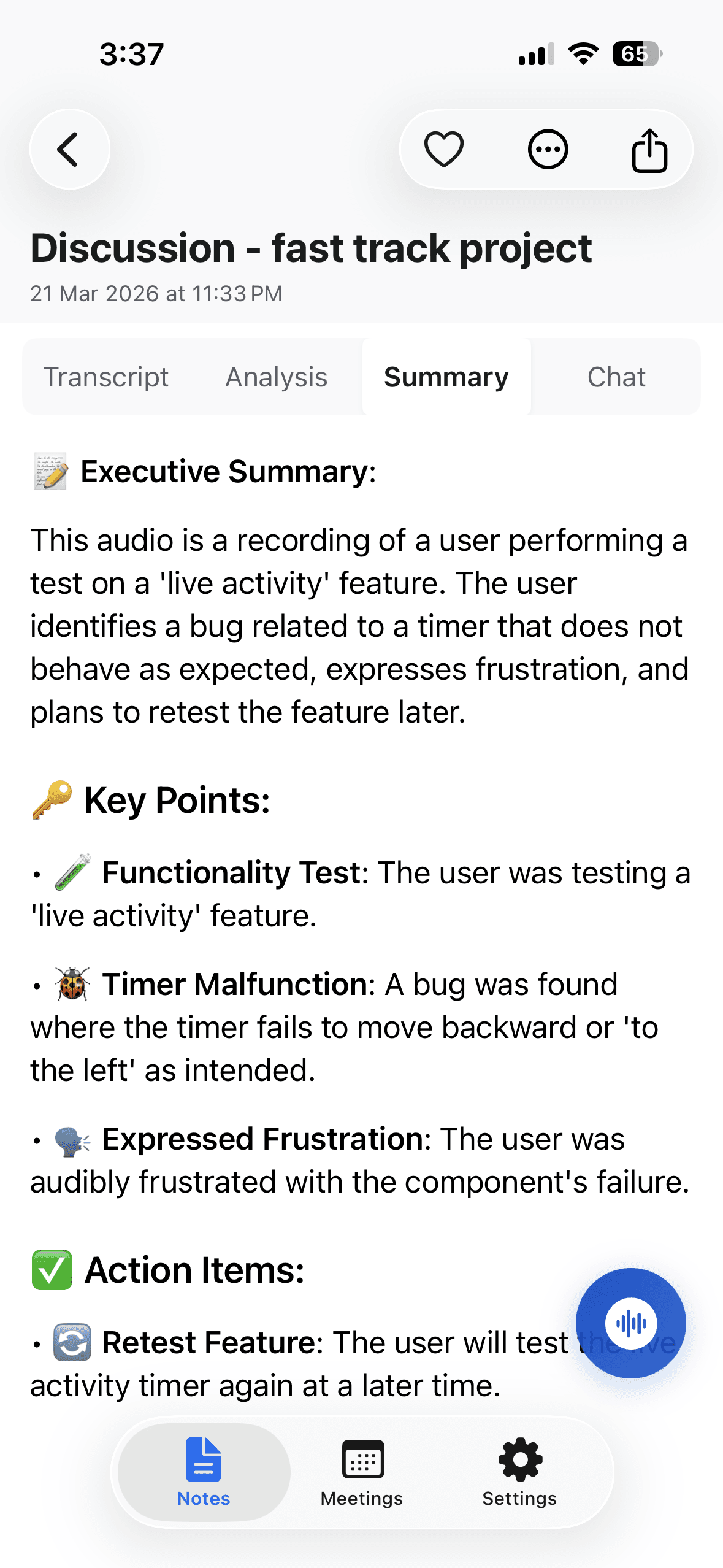
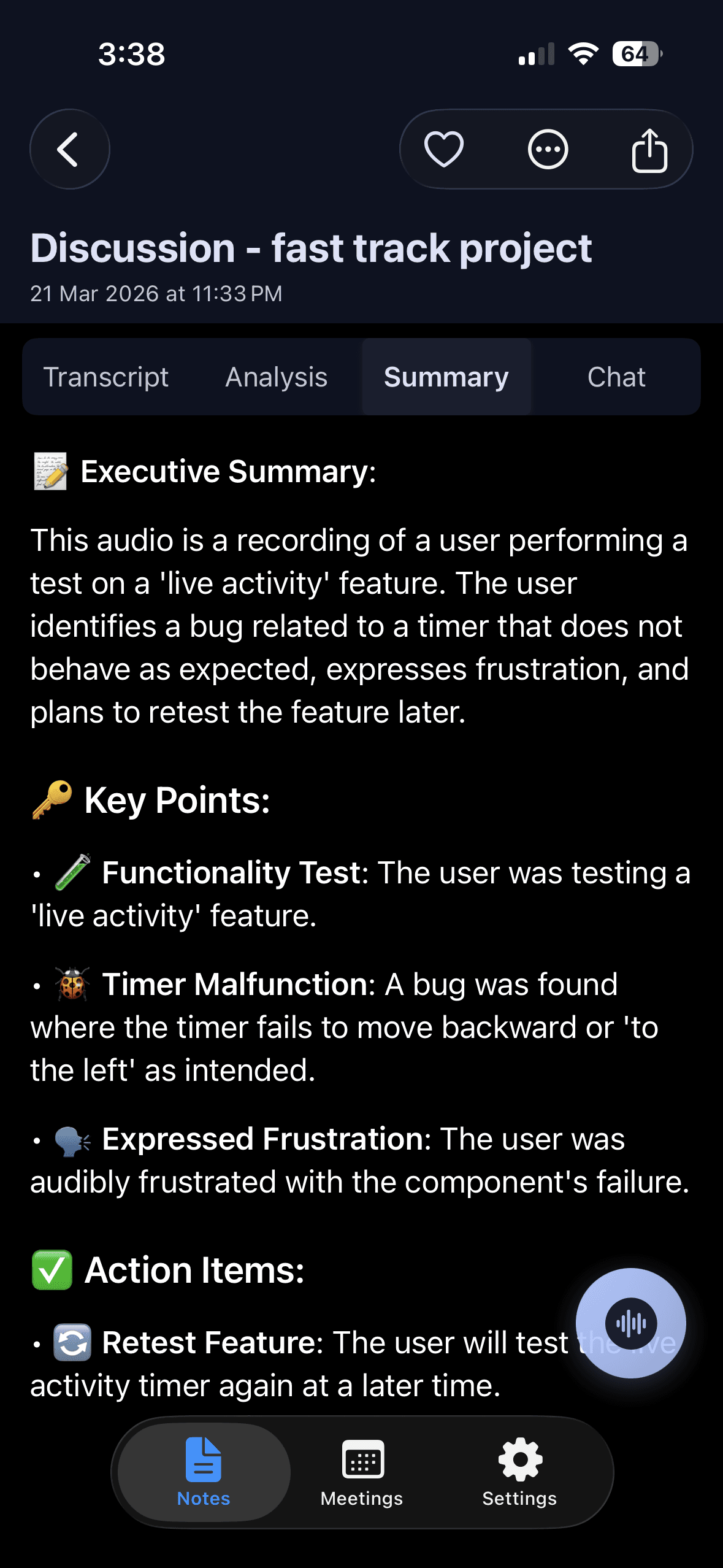
You record the meeting in the room on your iPhone, iPad or Android phone, or you send a bot to a Zoom, Microsoft Teams, Google Meet or Webex call. When the meeting ends, the note has a summary, a detailed analysis, and action items with assignees. A 1-hour recording takes about 2 minutes to process.
To get the notes in the order of your agenda, use the custom instruction output style. In this style you describe the format you want in your own words. You can paste your agenda items and ask for the notes grouped under each one.
- 1Record the meeting. Tap record in the app, or send the bot to your video call.
- 2Open the finished note. Read the summary and the action items first.
- 3Choose the custom instruction style. Paste your agenda items and write something like: "Group the notes under these agenda items. Under each one, list the decisions, the action items with owners, and any open questions."
- 4Check the result. Compare it with your agenda. Edit the summary if a name or a date is wrong.
- 5Share it. Export as PDF, Word or plain text, or copy it with formatting into your own email or chat.
Limits and honest notes
- Noter AI has no agenda feature. It does not create, store or import agendas. You paste your agenda items into a custom instruction yourself.
- It only knows what was said out loud. If an agenda item was skipped, there is nothing to put under it. A good check is to see which items have no notes.
- Check the grouping. When talk jumps between topics, a point can land under the wrong item. Read the notes before you share them.
- It works from audio. It does not import video files or PDFs, so it cannot read your pre-reads.
- There is no desktop app. You record on iPhone, iPad or Android. You can also read your notes in the web app.
- Telling people is your job. Say at the start that you are recording. Laws differ by country.
Frequently asked questions
What should a meeting agenda include?
The goal in one sentence, the date, time and place or link, the attendees, any pre-reads, and topics written as questions or decisions. Each topic needs one owner and a time in minutes. End with a few minutes for decisions and actions. After the meeting, Noter AI can produce notes with a summary and action items with assignees.
How far in advance should I send a meeting agenda?
Send it at least one working day before. For a kickoff or a meeting with pre-reads, send it two or three days before. Putting it in the calendar invite helps people see it. Noter AI does not send agendas; it helps with the notes after the meeting.
How many items should a meeting agenda have?
Plan about one item for every 10 to 15 minutes. A 30-minute meeting fits two or three items, and a one-hour meeting fits four or five. Move the rest to email or another meeting. Noter AI lists the action items with assignees after the meeting, so you can check each item got a result.
Who should write the meeting agenda?
Usually the person who calls the meeting writes it, and others add items before it is sent. In a one-on-one, the person reporting to the manager often owns most of the list. Noter AI can record the meeting and give everyone the same summary afterwards.
Can Noter AI create or import a meeting agenda?
No. Noter AI has no agenda feature, so it cannot create, store or import an agenda. After the meeting you can use its custom instruction output style. Paste your agenda items and ask for the notes grouped under each one.
How do I take notes that follow the agenda?
Copy the agenda items into a document as headings before the meeting starts. Under each heading, write only the decisions, the action items with owners and dates, and open questions. Add new topics at the end. If you record the meeting with Noter AI, a custom instruction can group the notes under the same headings.
What is the difference between an agenda and meeting minutes?
An agenda is the plan you send before the meeting. Minutes are the formal record written after it. Good minutes often follow the order of the agenda, so the two fit together. Noter AI has a minutes of meeting output style for the record after the meeting.
Let Noter AI take your meeting notes
Record, transcribe, and summarize meetings on iPhone, iPad & Android, or send a bot to Zoom, Teams, Meet, or Webex. In 60+ languages.

On your computer? Scan with your phone to get the app.
