

How to write a follow-up email after a meeting
A follow-up email turns a meeting into work that gets done. It tells people what was agreed, who does what, and when you will talk next. This guide explains when to send it, what to put in it and why, how to keep it short, and how to change it for different kinds of meetings. If you only want text to copy, the template pages linked below have that.
By Yousef Updated
Send the follow-up email the same day. Use a subject line that names the meeting, thank people in one line, then list the decisions, the action items with an owner and a date, the open questions, and the next meeting. Attach or link anything you promised. Keep it short enough to read on a phone in one minute, and ask people to reply if something is wrong.
How to write it, step by step
This method works for most work meetings with two or more people. Start right after the meeting, while you still remember who said what.
- 1Decide who it goes to. Send it to everyone who attended. Add people who missed the meeting but need the result. Leave out people who only need to know later.
- 2Write a subject line people can find. Put the meeting name and the date in it. If one decision was the main result, put the decision in the subject.
- 3List the decisions. Write each one as a full sentence that makes sense on its own. Include the number, the date or the name that makes it exact.
- 4List the action items. One line each: the task, one owner, one date. If a task has no owner or no date yet, say so in the line.
- 5List the open questions. Write what is still not settled and who will find the answer.
- 6Give the next step. Say when the next meeting is, or what happens before it.
- 7Attach what you promised. Add the file or link now. Do not promise it again in the email.
- 8Check and send. End with one line asking people to reply if something is wrong. Read it once on your phone, check names, numbers and dates, then send.
Noter AI records, transcribes and summarizes your meetings on iPhone, iPad & Android, in 60+ languages.
What to include and why
Each part of the email answers a question the reader has. If a part is empty, leave it out, or say so in one line. "No decisions today, we meet again on Monday" is still useful.
| Part | Why it is there | How to write it |
|---|---|---|
| Subject line | People search for the email later | Meeting name and date, or the main decision |
| One-line thanks | Sets a friendly tone without using space | One sentence, no more |
| Decisions | Stops people from remembering it differently | One full sentence each, with exact numbers and dates |
| Action items | Turns talk into tasks someone owns | Task, one owner, one date on each line |
| Open questions | Shows what is not settled yet | The question and who will answer it |
| Next meeting or next step | Keeps the work moving | A date and time, or what must happen first |
| Attachments or links | Gives people what was promised | Attach it now and name it in the email |
| Request for corrections | Catches mistakes early | One line asking for a reply by a set day |
How to keep it short
Most people read work email on a phone, between other tasks. A long email gets saved for later, and later often never comes. Aim for something a person can read in one minute.
Cut the story of the meeting. Readers need the result, not the path to it. Put long material, such as full notes or a deck, in an attachment.
- Put the action items near the top if the meeting was mostly about tasks.
- Use short lines and numbered lists. They are easier to scan than paragraphs.
- Write one idea per line. Two tasks in one sentence often means one of them gets missed.
When to send it, by meeting type
The same day is the best default. Some meetings need it faster, and a few can wait a little. The table gives a starting point. The main point is to send it while people still remember the meeting.
| Meeting type | When to send | What to put first | Who gets it |
|---|---|---|---|
| Client meeting | Within a few hours | What you agreed and what you will deliver | The client contacts, with your team in copy |
| Internal project meeting | Same day | Action items with owners and dates | Everyone who attended |
| Weekly team meeting | Same day, before the end of work | Changes since last week and new tasks | The whole team |
| Interview or first introduction | Within one working day | Thanks and the agreed next step | The person you met |
| Workshop or long planning session | Same day for a short version, full notes within a day | The main decisions and the date of the next check-in | All participants |
How to adjust it for different meetings
Client meetings. Be more formal and more exact. Repeat any number or date the client gave you, so they can correct it. Say clearly what you will send and by when. Keep internal comments out of it.
Internal project meetings. Be brief. Your colleagues know the background, so skip the context and go to tasks.
Meetings in two languages. Write the email in the language every reader understands best. Keep product names and quoted words as they were said.
Meetings where nothing was decided. Send it anyway. Say what was discussed in two lines, what is still open, and when the group will decide.
For copy-paste text for each of these, see the follow-up email templates. For a group record of decisions and tasks, use the meeting recap email template.
Example: a follow-up email after a client meeting
The card below is an invented example. The company, the people and the numbers are made up. It shows a short follow-up after a 45-minute meeting between a small design agency and a client planning a new website.
Subject: Website project meeting, 24 October: plan and next steps
Hi Lina,
Thank you for meeting with Omar and me today.
What we agreed: the new website will have five pages, in English and Arabic.
What we agreed: the first design draft is due on 7 November.
What we agreed: your team sends the product photos before we start the design.
Action: Lina sends the product photos and the logo files by 30 October.
Action: Omar sends the project timeline as a PDF by 27 October.
Action: Sara (me) books the design review call for the week of 10 November.
Open question: do you want an online booking form on the contact page? Lina will check with her manager.
Attached: the price quote we discussed, version 2.
Next step: design review call in the week of 10 November. I will send two time options.
If anything here is wrong, please reply by Monday and I will correct it.
Best regards, Sara
Problems and fixes
Most weak follow-up emails fail in the same few ways. Here is what goes wrong and how to fix it.
| Problem | Why it happens | Fix |
|---|---|---|
| The email arrives days later | The writer waited to have time for a perfect version | Send a short version the same day. Add details later if needed. |
| The subject line is vague | It says only "Follow-up" or "Today's meeting" | Use the meeting name and date, or the main decision |
| A task has no owner | People said "we should" and nobody took it | Write "owner needed" and ask in the email who will take it |
| A task has no date | The group agreed on the work but not the deadline | Suggest a date and ask the owner to confirm it |
| A name or number is wrong | It was written from memory | Check it against your notes or the recording before sending |
| The promised file is missing | The email says "I will send it soon" | Attach it now, or give the exact date it will come |
| Nobody replies or acts | The email does not say what each person must do | Put each person's name next to their task |
How Noter AI helps you write it
The hardest part of a follow-up email is remembering exactly what was agreed. Noter AI is an app for iPhone, iPad and Android that records the meeting and writes the notes. A 1-hour recording takes about 2 minutes to process. Every note has a summary, a detailed analysis and action items with assignees. You can also read your notes in a browser with the web app at app.noterai.net.
Noter AI also has an email output style. It rewrites the meeting as a follow-up message with a greeting, the decisions and the next steps. You read it, fix what is wrong, and send it from your own mail app. You can get Noter AI on the App Store or on Google Play.
- 1Record the meeting. Record on your phone or tablet in the room, or send the bot to a Zoom, Microsoft Teams, Google Meet or Webex call. Tell people you are recording.
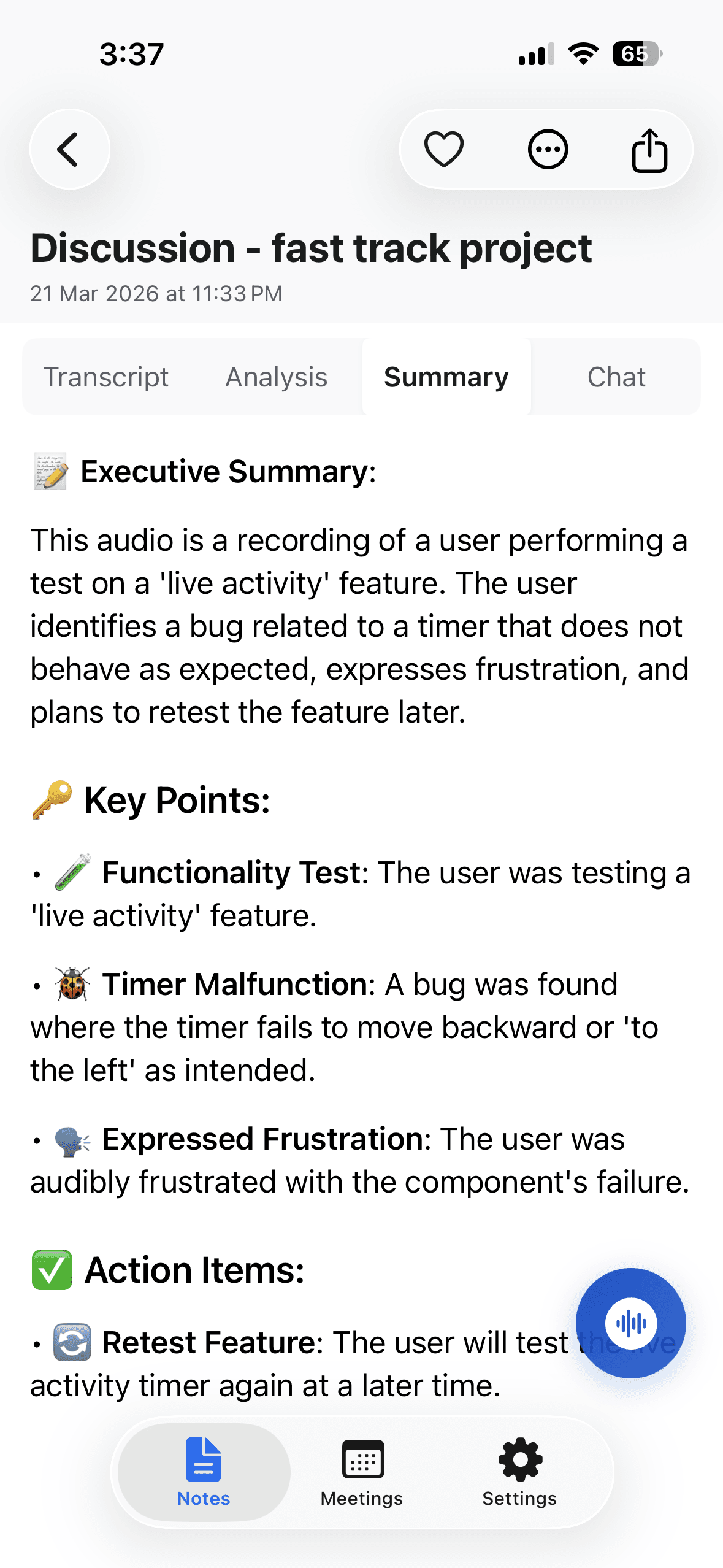
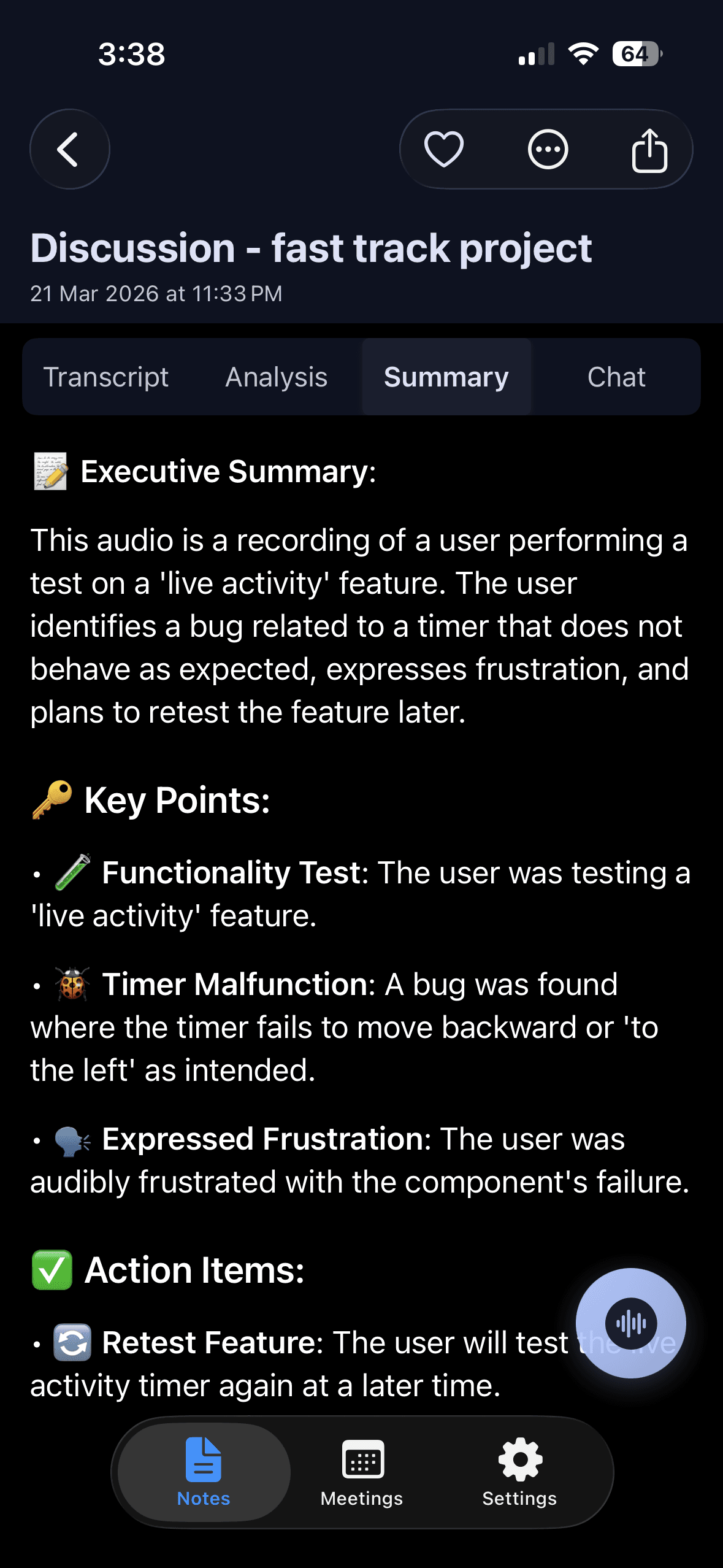
- 2Open the note. The summary and the action items with assignees are already there when processing ends.
- 3Choose the email style. It drafts a follow-up from the recording. The same recording can also be written as minutes or a to-do list.
- 4Check the draft. Fix names, numbers and dates. If a line looks wrong, open the transcript, tap the line and listen to that moment.
- 5Copy it into your mail app. Copy it with rich formatting, or use the share sheet. Add the recipients and send it from your own address.
- 6Attach the full notes if needed. Export the note as PDF, Word or plain text. See export and sharing.
Limits and honest notes
Know these before you use Noter AI for follow-up emails.
- Noter AI does not send email for you. It writes the text. You copy it into your own mail app and send it yourself.
- It writes a draft. Read it before you send it, most of all when it goes to a client.
- It only knows what was said out loud. A deadline agreed in a chat message or after the meeting is not in the recording.
- It works from audio. It does not import video files, YouTube links or PDFs.
- There is no desktop app. You record and export on iPhone, iPad or Android, and you can read notes in the web app at app.noterai.net.
- Telling people is your job. Laws on recording differ by country. Read meeting recording laws by country.
Frequently asked questions
How soon should I send a follow-up email after a meeting?
Send it the same day. For client meetings, send it within a few hours. People can still correct mistakes while they remember the meeting. With Noter AI, a 1-hour recording is processed in about 2 minutes, so the draft is ready soon after the meeting ends.
What should a follow-up email after a meeting include?
A clear subject line, a one-line thanks, the decisions, the action items with an owner and a date, the open questions, the next meeting, and any file you promised. Noter AI gives you the summary and the action items with assignees, which cover most of these parts.
How long should a meeting follow-up email be?
Short enough to read on a phone in about one minute. Keep the results and cut the discussion. If people need the full notes, attach them. Noter AI can export a note as PDF, Word or plain text for that.
Who should send the follow-up email?
Usually the person who organised the meeting, or someone named at the start. If nobody is named, everyone assumes someone else will send it. If you record the meeting with Noter AI, the person who recorded it already has the draft and can send it.
Does Noter AI send the follow-up email for me?
No. Noter AI writes the email text with its email output style. You check it, copy it into your own mail app, add the recipients and send it from your own address.
Can I write a follow-up email in a different language from the meeting?
Yes. Write it in the language every reader understands best, and keep names and product terms as they were said. In Noter AI, the summary comes in the meeting's language or in a language you choose.
What if no decisions were made in the meeting?
Send a follow-up anyway. Write what was discussed in two lines, what is still open, and when the group will decide. Noter AI's summary and open action items help you see what is still unsettled.
Is the email style included in the Noter AI subscription?
Yes. Noter AI has one plan with everything, at $5.99 per week, $9.99 per month or $69.99 per year in the US, with no caps on summaries. Local prices vary. There is a free plan to try the app. See pricing.
Let Noter AI take your meeting notes
Record, transcribe, and summarize meetings on iPhone, iPad & Android, or send a bot to Zoom, Teams, Meet, or Webex. In 60+ languages.

On your computer? Scan with your phone to get the app.
